
Which Drive Is Better: HDD or SSD?
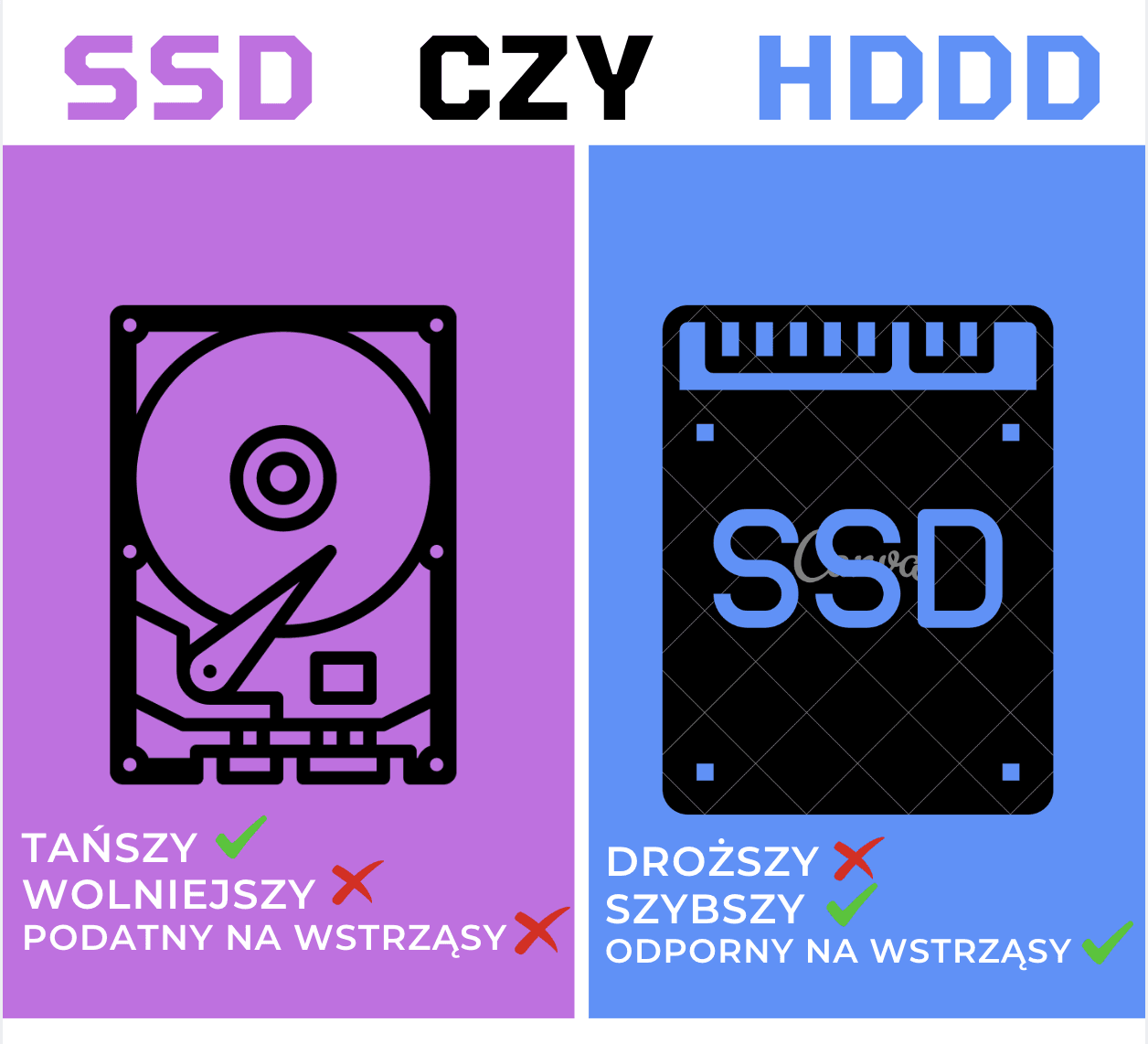
HDD and SSD Comparison
Key Parameter Comparison
Speed: HDD - Slow (like a bicycle) | SSD - Very fast (like a sports car). Winner: SSD
Boot time: HDD - 25-50 seconds | SSD - 5-15 seconds. Winner: SSD
Cost per capacity: HDD - Cheaper | SSD - More expensive. Winner: HDD
Noise: HDD - Audible (hum) | SSD - Completely silent. Winner: SSD
Energy consumption: HDD - Higher | SSD - Lower. Winner: SSD
Shock resistance: HDD - Low | SSD - High. Winner: SSD
Long-term storage: HDD - Very good, holds data for years without power | SSD - Good when fresh; a heavily worn SSD holds data for less time without power. Winner: HDD
Best Solutions for Your Computer
- Ideal combination: SSD (500GB-1TB) for system + HDD (1TB+) for data
- Budget solution: SSD (250-500GB) for system + HDD (1TB+) for data
- For gamers: SSD NVMe (1-2TB) for system and games + HDD (2TB+) for archive
Important Data Tips
- HDD is better for long-term storage - a fresh, lightly used SSD will hold data without power for many years, but a heavily worn one (after exhausting its write cycles) can lose it much sooner. The JEDEC standard only requires a consumer SSD to retain data for a minimum of one year without power AT THE END of its life - the "data fades after a year" myth applies only to worn-out drives
- Important data always in 3 copies - on different media and in different locations
- Use SSD for daily work and HDD for backup storage!
Need a drive replacement with system migration? See our laptop repair service.
Founder of the workshop (since 2009), personally supervises every repair and data recovery. 18 000+ completed orders. About Us
Zobacz, jak to robimy
Prawdziwe nagrania z naszego laboratorium - @kolegainformatyk
Powiązane artykuły
After Shutting Down Windows, the Computer Won't Turn Off
Recently, we have observed a significant increase in laptops that don't boot properly. However, there is also another problem - computers...
Which HDD Is the Best?
This article is based on current data from the Backblaze 2024 report - a company that analyzes failure rates of over 250,000 drives in their data centers....
BIOS Password Reset
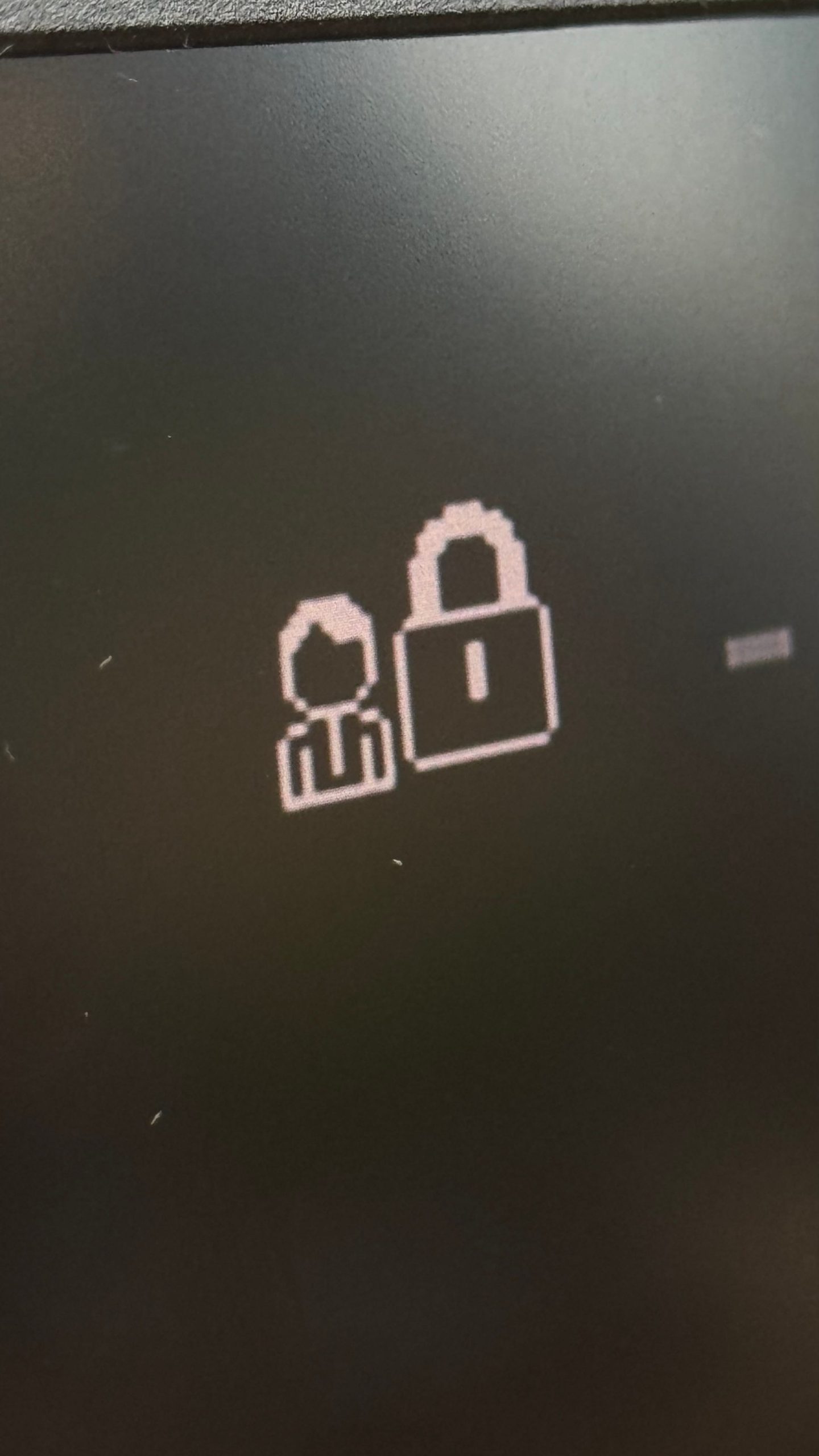
Power glitch (grounding) techniques in Lenovo ThinkPad laptops: EC/BIOS password reset. The method works only when the password is stored in the EC (Embedded Controller).