After Shutting Down Windows, the Computer Won't Turn Off.
Problems with Turning Off Computer and Laptop After Shutting Down Windows
Recently, we have observed a significant increase in laptops that don't boot properly. However, there is also another problem - computers that work perfectly but won't shut down after closing Windows.
IMPORTANT WARNING
BEFORE PERFORMING ANY SYSTEM OPERATIONS, CHECK THE SSD/HDD DRIVE STATUS!
Solutions for Computer Shutdown Problems
- Check Windows Updates
- Disconnect peripheral devices
- Disable Fast Startup
- IME Drivers - Update or uninstall the "Intel Management Engine Interface" driver
- Check BIOS/UEFI
- Update BIOS
- Reinstall the system
- System repair using:
sfc /scannow /f /r /xandDISM /Online /Cleanup-Image /RestoreHealth
Final Solutions
- Change UEFI to Legacy mode
- Damaged motherboard - The problem may be due to motherboard damage.
If you need professional help, contact KolegaInformatyk:
📞 664 725 410
📧 kontakt@kolegainformatyk.pl
🏠 Gdansk, ul. Dragana 16H/1, 80-807
Prefer not to dig into the laptop yourself? See our laptop repair service.
Founder of the workshop (since 2009), personally supervises every repair and data recovery. Over 18 000+ completed orders. About Us
Zobacz, jak to robimy
Prawdziwe nagrania z naszego laboratorium — @kolegainformatyk
Powiązane artykuły

Which HDD Is the Best?
This article is based on current data from the Backblaze 2024 report - a company that analyzes failure rates of over 250,000 drives in their data centers....
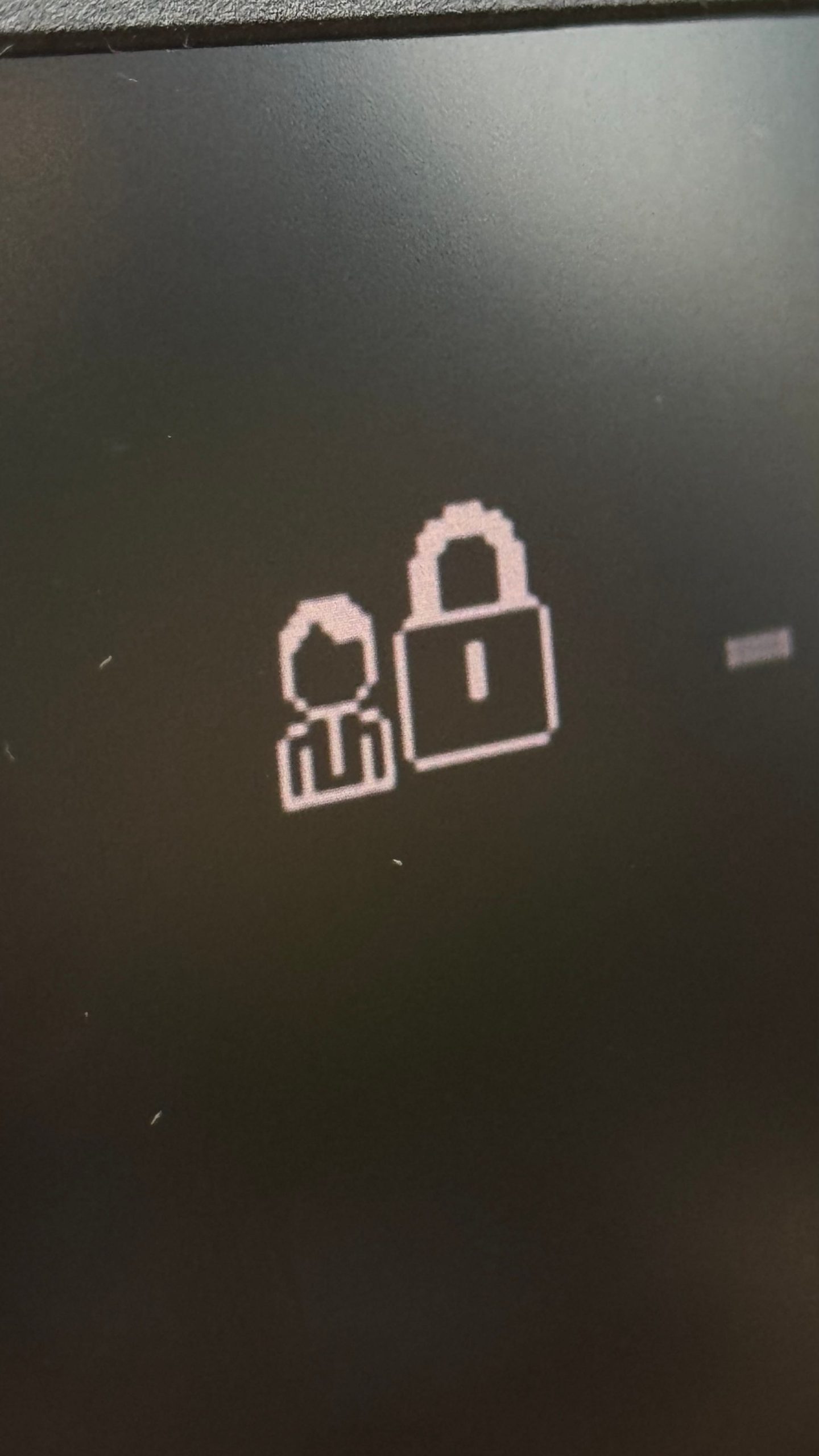
BIOS Password Reset
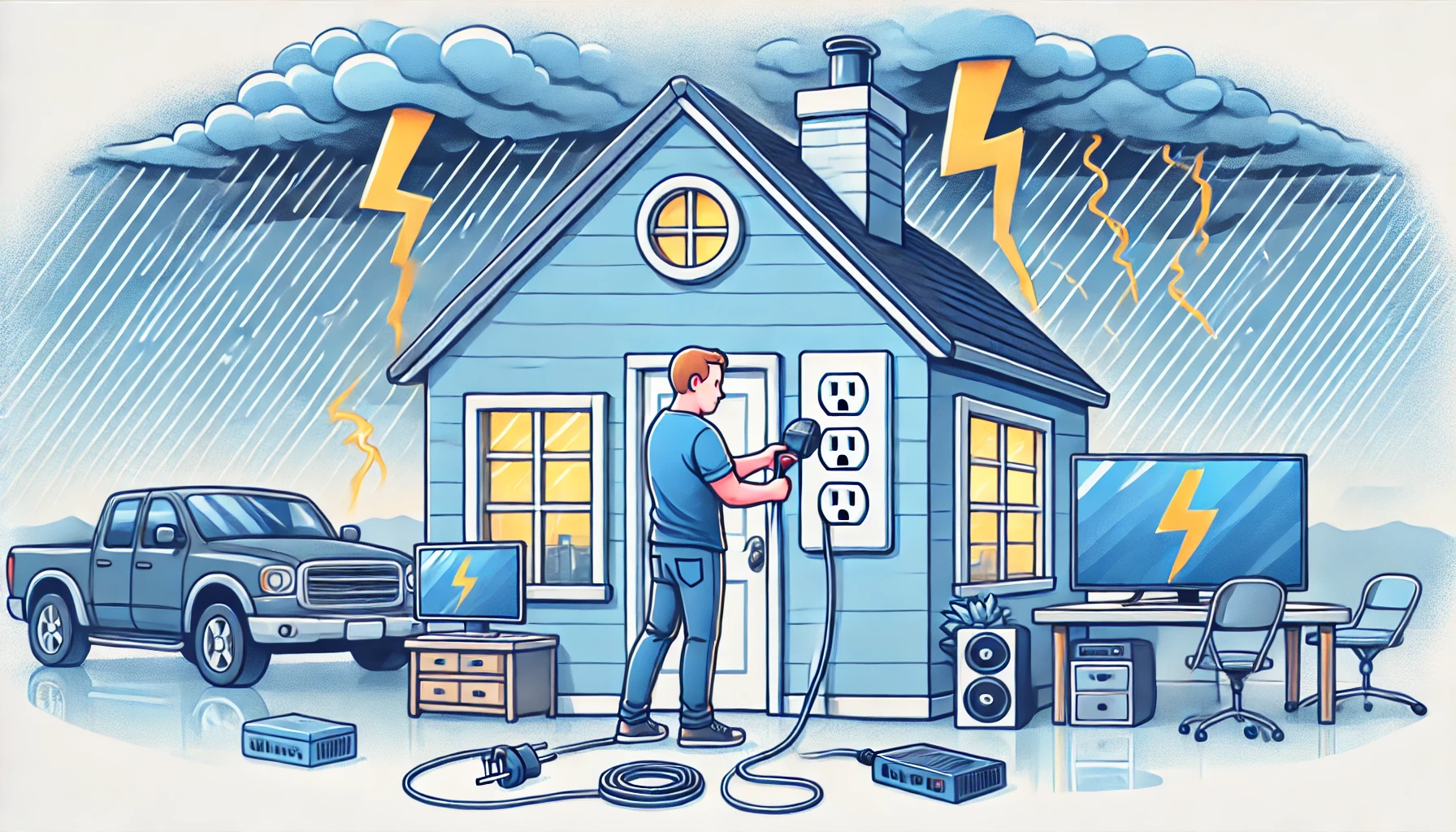
How Lightning Destroys Your Devices
Lightning rods effectively protect buildings from direct lightning strikes but do not protect electronics from power surges in the electrical grid....