
BIOS Password Reset
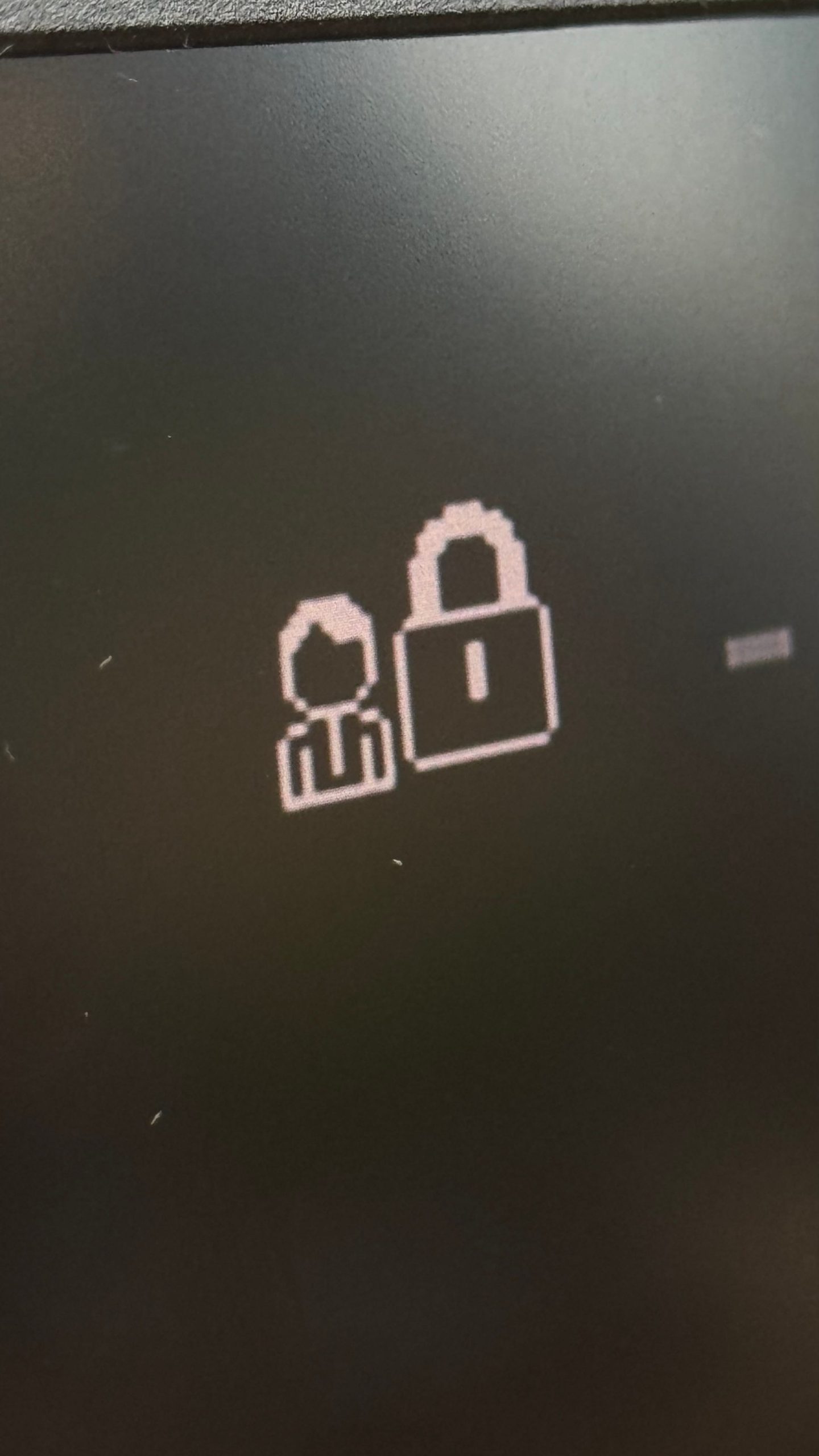
Power Glitch (Grounding) Techniques in Lenovo ThinkPad Laptops: EC/BIOS Password Reset
WARNING: This article is educational and intended only for rightful equipment owners. Incorrectly performed methods carry the risk of hardware damage and warranty loss.
Key Limitation
The power glitch method should be used only as a last resort when all standard methods have failed. It works only when the password is stored in the EC (Embedded Controller). It is ineffective when the password is in the TPM or other dedicated memory areas.
Procedure
- Disconnect power and battery
- Disassemble the motherboard and locate pins: LPC_AD0_R, LPC_AD1_R, LPC_AD2_R, LPC_AD3_R, LRESET, LFRAME
- Connect the probe to ground
- Turn on the laptop
- When the logo appears or backlight turns on, perform a brief (1-2 sec.) short between the selected LDPC pin and ground
- If the method worked, you can enter BIOS
- Go to Security, clear passwords and save changes
ThinkPad Model Compatibility
High Effectiveness
- ThinkPad T440-T480 series
- ThinkPad X240-X280 series
- ThinkPad P50-P52 series
Moderate Effectiveness
- ThinkPad T490, T495, T14 Gen 1
- ThinkPad X390, X13 Gen 1
Low Effectiveness
- ThinkPad T14 Gen 2 and newer
- ThinkPad X1 Carbon Gen 8 and newer
Conclusions
The power glitch method is a last resort for ThinkPad owners. Lenovo systematically improves security in its devices, making the method increasingly less effective in newer models.
Prefer not to dig into the laptop yourself? See our laptop repair service.
Założyciel serwisu (od 2009), osobiście nadzoruje każdą naprawę i odzysk danych. 18 000+ zrealizowanych zleceń. O nas
Potrzebujesz pomocy?
Skontaktuj się z nami - wstępna konsultacja i wycena na podstawie opisu są bezpłatne.
Wyślij zlecenie - bezpłatna wycenaZobacz, jak to robimy
Prawdziwe nagrania z naszego laboratorium - @kolegainformatyk
Powiązane artykuły

After Shutting Down Windows, the Computer Won't Turn Off
Recently, we have observed a significant increase in laptops that don't boot properly. However, there is also another problem - computers...

Which HDD Is the Best?
This article is based on current data from the Backblaze 2024 report - a company that analyzes failure rates of over 250,000 drives in their data centers....
How Lightning Destroys Your Devices
Lightning rods effectively protect buildings from direct lightning strikes but do not protect electronics from power surges in the electrical grid....