Can You Recover Deleted Data from an SSD?

❌ Do Not Use Data Recovery Software on SSDs - You May Only Make Things Worse
The internet is full of "miracle programs" for data recovery. But if you just lost files from an SSD drive, listen carefully:
These programs will likely only accelerate the permanent destruction of your data.
In this article, we'll show you why SSD data recovery is a completely different league than HDD recovery, why "one-size-fits-all" tools work against you, and what professional laboratories actually do to recover what you've lost.
💨 SSD Is Not HDD
In traditional hard disk drives (HDD), a deleted file is simply "invisible" - until it gets overwritten, it can be recovered.
With SSDs, it's different. Much worse.
When you delete a file on an SSD, the operating system calls the TRIM command, which literally tells the drive:
"This data is no longer needed - you can physically destroy it."
An important detail: TRIM only marks blocks as no longer needed. The physical erase is done by the drive controller during so-called garbage collection — it decides when. That can happen within seconds, but just as well after hours of operation. The sooner you cut the drive's power, the better the chance your data is still there.
⚠️ Just Powering On the Drive Is Already a Risk
It's enough for the SSD to be connected and powered - and its controller runs TRIM and other cleaning processes in the background.
The longer the SSD operates after data loss, the smaller your chances of recovery.
🧠 What Do Professionals Do? The PC-3000 SSD Magic Tool
- Safe Mode - stops TRIM.
- Loader - allows data recovery from RAM or SA.
- Firmware bypass - creates a new translator.
- Direct NAND read - even from an "empty" drive.
📚 The SSD May Have Only Erased the Map - Data May Still Be Inside
During a quick format, the SSD may not delete data but only wipe the translator (the map of logical to physical sectors). Files are still in NAND memory - only the "directory" was destroyed.
🧨 TRIM - The Silent Data Killer
🔍 How to Check if TRIM Is Enabled?
- Windows:
fsutil behavior query DisableDeleteNotify - macOS:
system_profiler SPNVMeDataType | grep 'TRIM' - Linux:
sudo fstrim -v /
TRIM is active by default in every modern configuration - and it works without asking.
⏰ Time Matters — But Don't Panic
TRIM tells the drive that data is no longer needed. The controller decides on its own when to physically erase the blocks — during garbage collection. That can happen within seconds, but just as well after hours of idle operation.
⚠️ Every minute the drive stays powered on reduces the chances of data recovery!The sooner you cut the drive's power, the smaller the chance that garbage collection has wiped your files.
🆘 What to Do?
- Immediately turn off the computer.
- Do not restart the system.
- Do not install any programs.
- Do not connect the drive to another computer.
- Contact a laboratory with PC-3000 SSD.
KolegaInformatyk - professional data recovery laboratory with PC-3000 SSD.
Free diagnosis. Confidentiality. Professional approach.
See the details on our data recovery service page, and approximate costs in our price list.
SSD data recovery is like defusing a bomb. If anything can be saved - it will be done by someone who can bypass the controller and disable TRIM. Not a "one-size-fits-all" program.
Founder of the workshop (since 2009), personally supervises every repair and data recovery. Over 18 000+ completed orders. About Us
Zobacz, jak to robimy
Prawdziwe nagrania z naszego laboratorium — @kolegainformatyk
Powiązane artykuły

SSD TRIM: How to Check It and When Not to Disable It
How TRIM works, how to check its state, and why disabling it after data loss cannot undo a command already sent to the SSD.
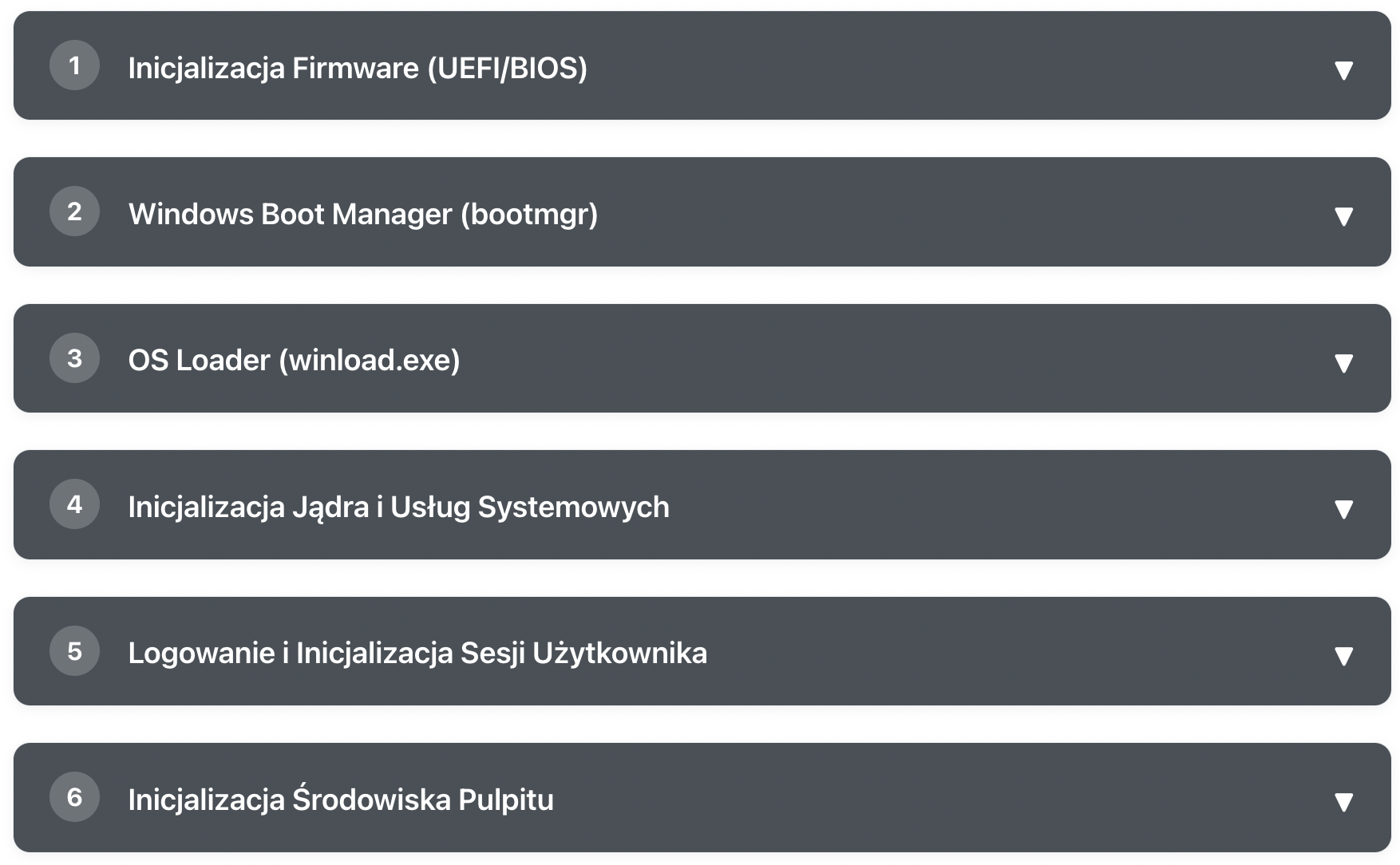
What Happens After Pressing the POWER Button?
Learn step by step how Windows goes from pressing the power button to a ready desktop

Mac Password Reset Without Data Loss — Intel and M1–M4
Forgot your MacBook, iMac, or Mac mini password? The resetpassword command in macOS allows you to regain access to Mac Intel and Apple Silicon (M1/M2/M3/M4)...