SSD TRIM: How to Check It and When Not to Disable It

SSD TRIM: How to Check It and When Not to Disable It
TRIM tells an SSD which areas the file system considers free. The controller may then erase their contents during internal garbage collection. If you have just lost data, do not boot from that drive or change its settings. Disabling TRIM afterwards cannot undo a command already sent to the SSD.
Key Information
What you need to know before disabling TRIM on an SSD:
- It does not reverse an earlier TRIM Disabling the feature blocks future notifications but cannot restore ranges already released by the SSD.
- Reduces system performance Once the drive fills up, write speed can drop sharply.
- It can increase write amplification Without information about free ranges, the controller may have to do more work. The scale depends on the SSD and workload.
Do not disable TRIM on the source SSD after data loss. Cut power instead. Booting the computer, installing software, or changing settings can produce new writes and give garbage collection more time to run.
What is TRIM and How Does It Work?
TRIM is a system command that tells an SSD which logical address ranges are no longer in use. The controller may release the corresponding flash pages immediately or later during garbage collection. Read behaviour after deallocation and the moment of physical erasure depend on the controller, firmware, operating system, and connection path.
How the TRIM and Garbage Collection Process Works
These two mechanisms work closely together:
- 🗂️ You delete a file: The operating system marks the file as deleted.
- 📤 System sends TRIM command: The drive controller receives information (a "to delete" label) about which data is no longer needed.
- 🧹 Garbage Collection runs: The drive's internal mechanism (controller) finds data with the "to delete" label during idle time, physically cleans it, and prepares space for new data.
- ⚡ Drive recovers performance: The freed space is ready for new, fast write operations.
In short: TRIM is the *information* from the system, and Garbage Collection is the *action* taken by the drive based on that information.
Checking and Managing TRIM on a Healthy System
These commands are for administering a healthy computer. Do not run them on an SSD that has lost data. Even checking requires a running system and can cause writes. If data is missing, shut the computer down.
🖥️ Windows 10 and Windows 11
Open Command Prompt or PowerShell as administrator and use the following commands.
Step 1: Check current TRIM status
fsutil behavior query DisableDeleteNotifyA result of 0 means TRIM is enabled. A result of 1 means it is disabled.
Step 2: Disable TRIM
fsutil behavior set DisableDeleteNotify 1Step 3: Re-enable TRIM
fsutil behavior set DisableDeleteNotify 0🍎 macOS
trimforce can force TRIM support on some older Intel Macs with a replacement SSD. It is not a universal switch for every Mac, NVMe drive, or USB/Thunderbolt enclosure. Do not run it on a Mac with missing data.
Enable TRIM on a supported configuration
sudo trimforce enable🐧 Linux (e.g., Ubuntu)
If data is missing, never run fstrim as a test. The command submits unused ranges for discard; it is not a neutral status check.
Method 1: Automatic TRIM (system service)
This is the standard method in modern distributions, run periodically.
sudo systemctl enable fstrim.timer
sudo systemctl start fstrim.timersudo systemctl disable fstrim.timer.
Practical Impact of Disabling TRIM on the Drive
Disabling TRIM comes at a cost. The main problem is Write Amplification - a phenomenon where the drive must write significantly more data than the operating system actually sends to it.
💔 Impact on Lifespan: Why Does the Drive Wear Out Faster?
Without information from TRIM, the drive controller doesn't know which data is unnecessary. To write new data in a seemingly occupied block, it must first read the entire block, move still-important data elsewhere, clean it, and only then write new information. This multiple, additional work is precisely write amplification.
- Faster cell wear: Each memory cell has a limited number of write cycles. Unnecessary operations rapidly exhaust them.
- Shortened drive life: Higher write amplification means many more physical writes per file saved — lifespan drops, but the exact scale depends on the controller, workload, and how full the specific drive is. There are no hard, universal numbers here.
📉 Impact on Performance: Why Does the System Slow Down?
Initially, the problem may be invisible. However, when the drive fills up, the controller runs out of free blocks and every write operation becomes a slow "read-modify-write" cycle.
- Write speed drop: Without TRIM, once the drive fills up, every write turns into a slow "read-modify-write" cycle — write speed can fall several-fold. The scale depends on the controller, drive fill level, and how aggressive the internal Garbage Collection is.
- Noticeable slowdown: Longer system boot times, slower application loading, and computer "stuttering" during file copying become the norm.
When Does Disabling TRIM Make Sense?
Not as a response to deleted files. A laboratory isolates the source from normal operating-system writes and performs a controlled acquisition. It does not boot Windows from the source just to change a setting. Disabling future discard notifications can be useful on prepared test rigs and in controlled experiments.
🕵️Digital Forensics
Prepared workstations use hardware or software write blocking and controlled reads. A workstation setting cannot reverse changes that already occurred on the examined SSD.
Controller and File-System Testing
An administrator or researcher may temporarily block future TRIM notifications in a test environment. This is not a substitute for backup and not a recovery method.
Summary and Conclusions
For most users: keeping TRIM enabled is the optimal solution.
The benefits of high performance and maximum SSD lifespan significantly outweigh the theoretical possibility of data recovery. For protection against data loss, regular backups are a much more reliable solution.
If you have already lost data from an SSD — see how data recovery in our laboratory works, and check approximate costs in our price list.
Sources and Further Reading
The operating-system documentation explains what the commands shown above actually do:
Founder of the workshop (since 2009), personally supervises every repair and data recovery. Over 18 000+ completed orders. About Us
Zobacz, jak to robimy
Prawdziwe nagrania z naszego laboratorium — @kolegainformatyk
Powiązane artykuły

Can You Recover Deleted Data from an SSD?
Can deleted data be recovered from an SSD? It depends on TRIM, garbage collection, the controller, encryption, and what happened after deletion.
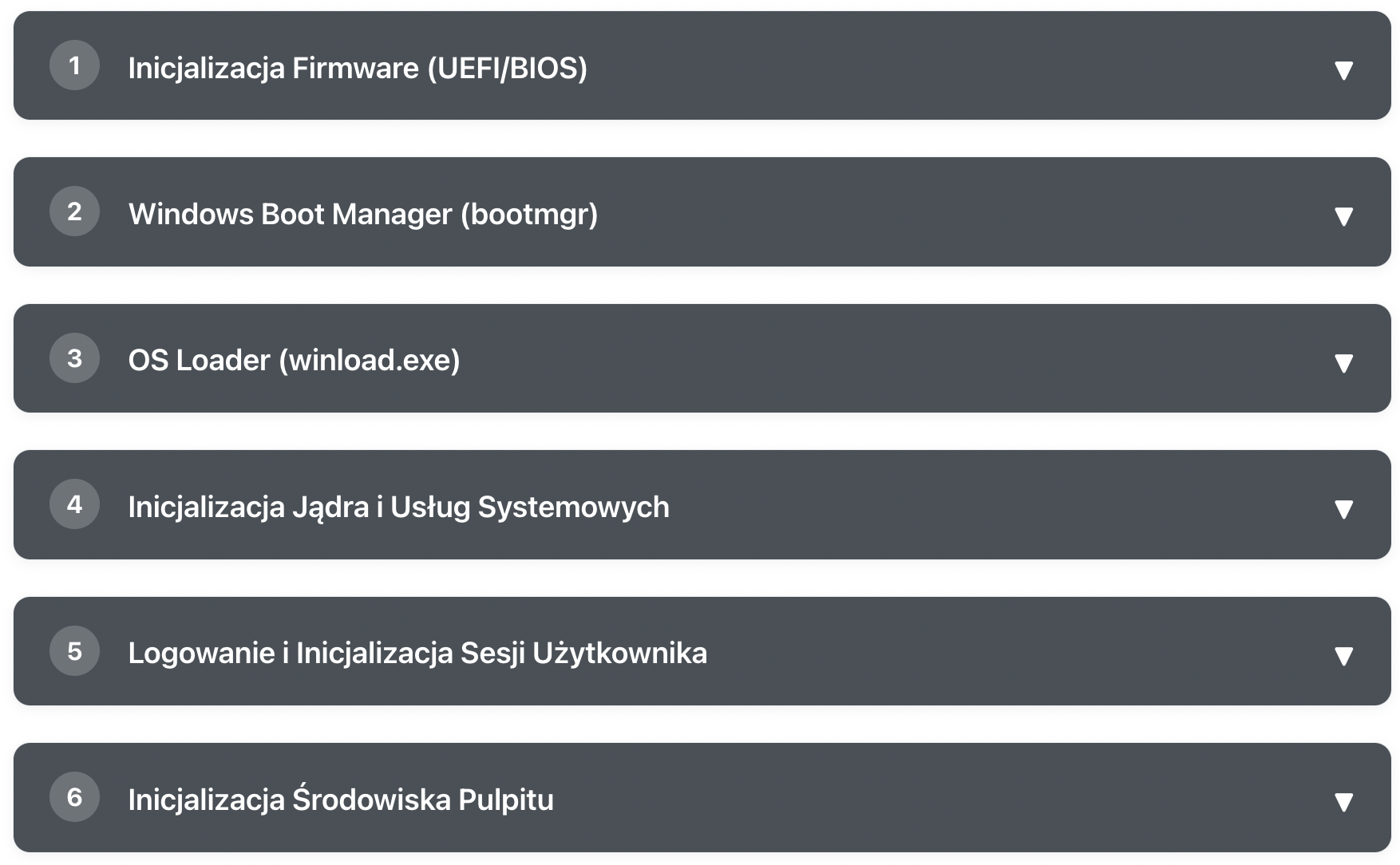
What Happens After Pressing the POWER Button?
Learn step by step how Windows goes from pressing the power button to a ready desktop

Mac Password Reset Without Data Loss — Intel and M1–M4
Forgot your MacBook, iMac, or Mac mini password? The resetpassword command in macOS allows you to regain access to Mac Intel and Apple Silicon (M1/M2/M3/M4)...