BitLocker in TPM-only Mode — the CVE-2022-41099 Vulnerability (Patched) and How to Configure Encryption More Securely

🔓 BitLocker in TPM-only Mode — CVE-2022-41099 and How to Configure Encryption More Securely
⚠️ NOTE: this vulnerability was patched by Microsoft in December 2022. If your Windows is up to date, you are protected. The attack also required physical access to the computer and only affected TPM-only mode (no PIN/USB key). This article explains how to minimize the risk of similar attacks — with a PIN, a USB key, and Secure Boot.
Did you know that before December 2022, BitLocker-encrypted data in the default configuration could — with physical access to the computer — be read without knowing the password? If you use default BitLocker settings, this article may surprise you.
Today we examine the CVE-2022-41099 vulnerability and show what it was about - and how to configure BitLocker so that similar attacks are not possible.
🔍 What is CVE-2022-41099?
The vulnerability affects BitLocker - the disk encryption system available in Windows 10 and 11. The bug means that in certain scenarios, the system partition remains temporarily unlocked, allowing data access without knowing the recovery key. Sounds dangerous? Because it is.
🧠 Technical Background
The attack targets computers using BitLocker in TPM-only mode (without PIN or USB key). When Windows Recovery Environment (WinRE) is started, BitLocker temporarily unlocks the drive to enable repair operations.
🔐 How to Protect Yourself?
✅ 1. Enable pre-boot authorization (PIN or USB)
The default TPM-only mode is convenient but insufficient for security. Enable TPM + PIN or TPM + USB key mode.
✅ 2. Install Windows Update patches
Microsoft published security updates in December 2022: KB5021233 (Windows 10), KB5021234 (Windows 11 21H2), KB5021255 (Windows 11 22H2).
✅ 3. Block booting from external media
Enter BIOS/UEFI settings, disable USB/CD/DVD boot, enable Secure Boot, set a strong BIOS/UEFI administrator password.
✅ 4. Monitor activity and logs
Regularly check system logs for unusual BitLocker unlock/lock events and WinRE boot events.
🧠 Summary
- 🔒 Update system: Install security patches regularly.
- 🔐 Enable pre-boot authorization: Use TPM with PIN or USB key.
- 🌐 Secure BIOS/UEFI: Set administrator password and block booting from external media.
Problem with an encrypted drive and lost access to files? See our data recovery service — approximate prices in the price list.
Founder of the workshop (since 2009), personally supervises every repair and data recovery. Over 18 000+ completed orders. About Us
Zobacz, jak to robimy
Prawdziwe nagrania z naszego laboratorium — @kolegainformatyk
Powiązane artykuły

SSD TRIM: How to Check It and When Not to Disable It
How TRIM works, how to check its state, and why disabling it after data loss cannot undo a command already sent to the SSD.

Can You Recover Deleted Data from an SSD?
Can deleted data be recovered from an SSD? It depends on TRIM, garbage collection, the controller, encryption, and what happened after deletion.
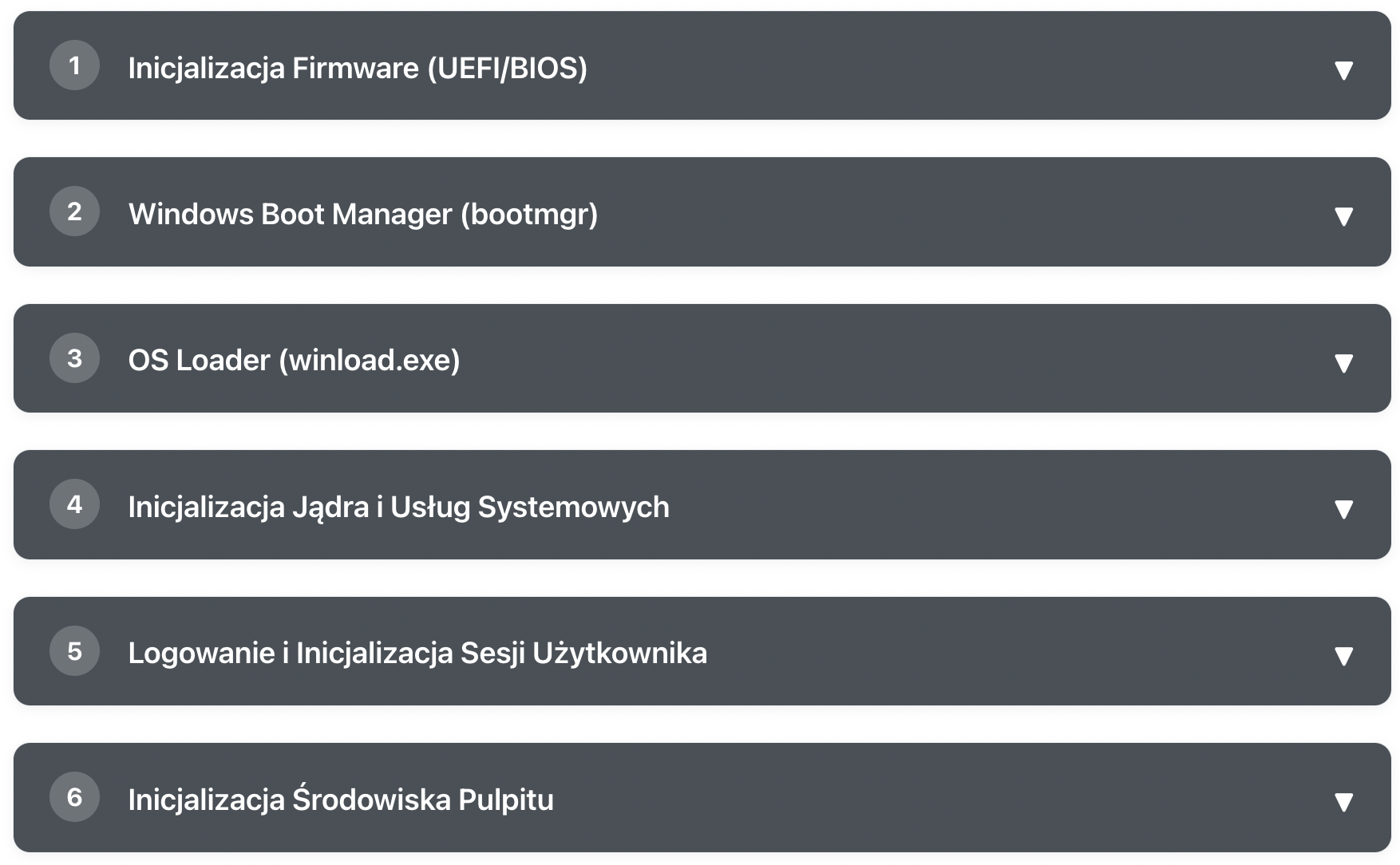
What Happens After Pressing the POWER Button?
Learn step by step how Windows goes from pressing the power button to a ready desktop