Data Recovery Without a BitLocker Key?
Data Recovery from a BitLocker-Encrypted Drive
Can you recover data from a BitLocker-encrypted drive without a key or password?
Quick answer: Without a recovery key or password, it is essentially impossible to recover data from a BitLocker-encrypted drive. The only exception is the Clear Key situation described below.BitLocker - What Is It?
BitLocker is a disk encryption technology built into Windows Pro, Enterprise, and Education. It uses the strong AES algorithm:
- Windows 10 (from version 1511) and 11: XTS-AES 128 or 256 bits (default 128 for system drives, 256 recommended e.g. for external drives)
- Older versions (before Windows 10 1511): AES-CBC with the Elephant diffuser — retired in favor of XTS due to weaker cryptographic properties
Where to Find the BitLocker Recovery Key?
The recovery key is a 48-digit code that may have been saved in:
- Microsoft Account → account.microsoft.com/devices/recoverykey
- USB drive → .txt or .bek file
- Printed document
- Azure AD / Microsoft Intune (in companies)
- Active Directory (in domains)
Clear Key - The Only Exception
In certain situations, BitLocker creates a "Clear Key" - an unencrypted copy of the VMK. This happens during intentional BitLocker suspension or during Windows updates.
Summary
BitLocker uses strong AES encryption that practically makes data access impossible without a key. Clear Key is the only exception, but it only works temporarily and requires intentional activation.
BitLocker has no "Forgot Password" option - secure your keys today!
Founder of the workshop (since 2009), personally supervises every repair and data recovery. Over 18 000+ completed orders. About Us
Zobacz, jak to robimy
Prawdziwe nagrania z naszego laboratorium — @kolegainformatyk
Powiązane artykuły

SSD TRIM: How to Check It and When Not to Disable It
How TRIM works, how to check its state, and why disabling it after data loss cannot undo a command already sent to the SSD.

Can You Recover Deleted Data from an SSD?
Can deleted data be recovered from an SSD? It depends on TRIM, garbage collection, the controller, encryption, and what happened after deletion.
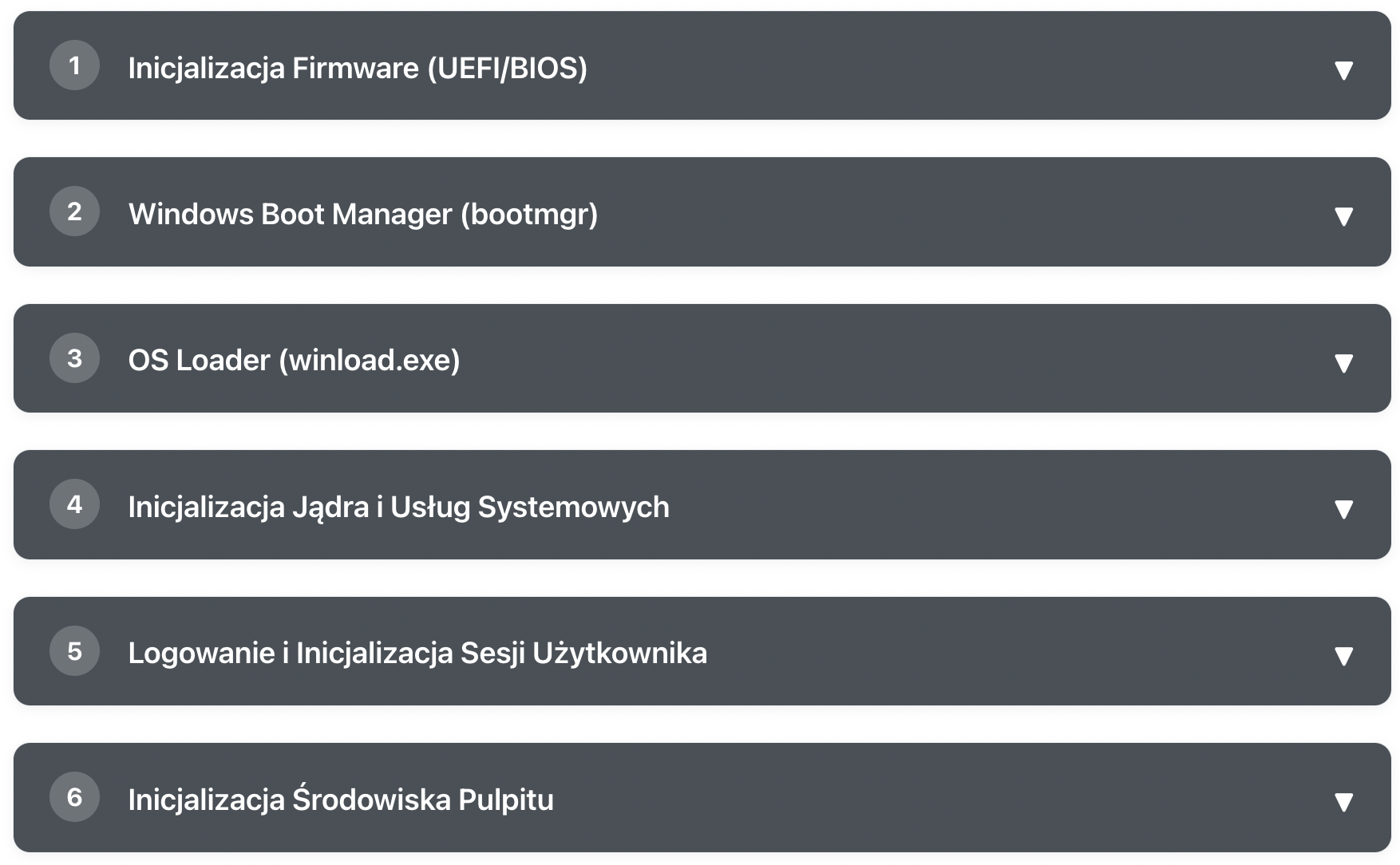
What Happens After Pressing the POWER Button?
Learn step by step how Windows goes from pressing the power button to a ready desktop