How to Fix the SATAFIRM S11 Problem and Recover Data from a Damaged SSD?

How to Fix the SATAFIRM Error and Recover Data from a Damaged SSD
SATAFIRM Error Symptoms
- Incorrect drive name: Drive detected as "SATAFIRM S11".
- Incorrect capacity: A 512 GB drive recognized as 8 MB.
- No initialization: Drive not initialized or has no partitions.
- Service mode: Drive enters service mode and becomes inaccessible.
Causes of SATAFIRM S11 Error
- Power loss during a translation table write - the controller is left with a half-written service area and fails its firmware integrity check at startup
- Memory cell degradation
- Bit errors in the NAND service area exceeding the ECC correction capability
- Firmware problems
Can You Fix It Yourself?
Unfortunately, most self-repair attempts end in complete data loss. Manufacturer tools (e.g. MPTool) can bring the drive back to life, but in doing so they rebuild the translator and permanently erase the data. Data recovery requires PC-3000/MRT-class equipment: entering service mode, uploading a loader and reconstructing the translator without writing to the NAND.
How Can We Help?
Our service specializes in data recovery from damaged SSDs, including those with the SATAFIRM error. Contact us at: 664 725 410.
Founder of the workshop (since 2009), personally supervises every repair and data recovery. Over 18 000+ completed orders. About Us
Zobacz, jak to robimy
Prawdziwe nagrania z naszego laboratorium — @kolegainformatyk
Powiązane artykuły

SSD TRIM: How to Check It and When Not to Disable It
How TRIM works, how to check its state, and why disabling it after data loss cannot undo a command already sent to the SSD.

Can You Recover Deleted Data from an SSD?
Can deleted data be recovered from an SSD? It depends on TRIM, garbage collection, the controller, encryption, and what happened after deletion.
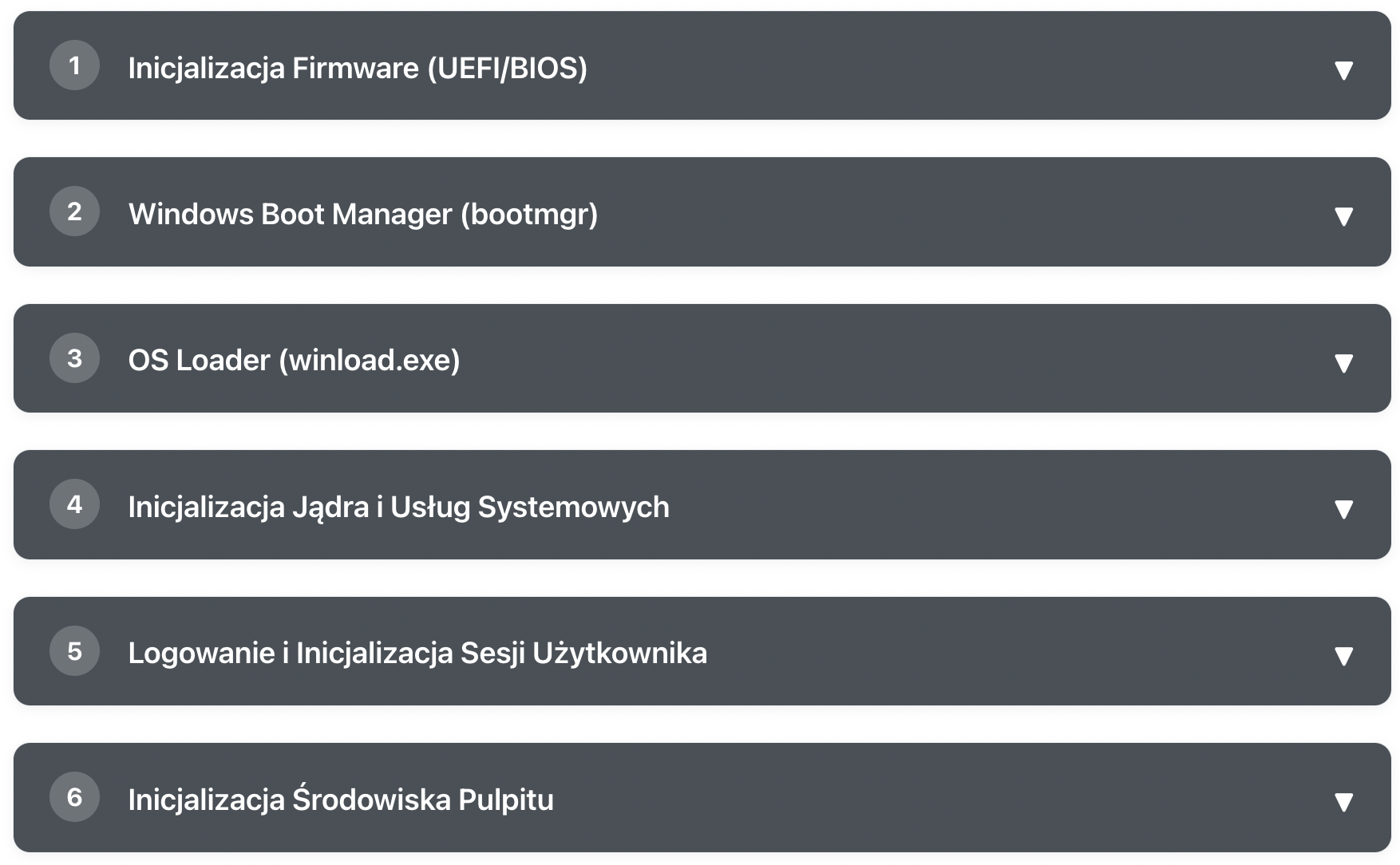
What Happens After Pressing the POWER Button?
Learn step by step how Windows goes from pressing the power button to a ready desktop